
Replit to mobile app: how to get your Replit app into the App Store (and when to take it out of Replit)
Replit can build native mobile apps now. Here's how its App Store route works, where it runs out of road, and how to take your Replit app's code and data with you when it does.

7 min read
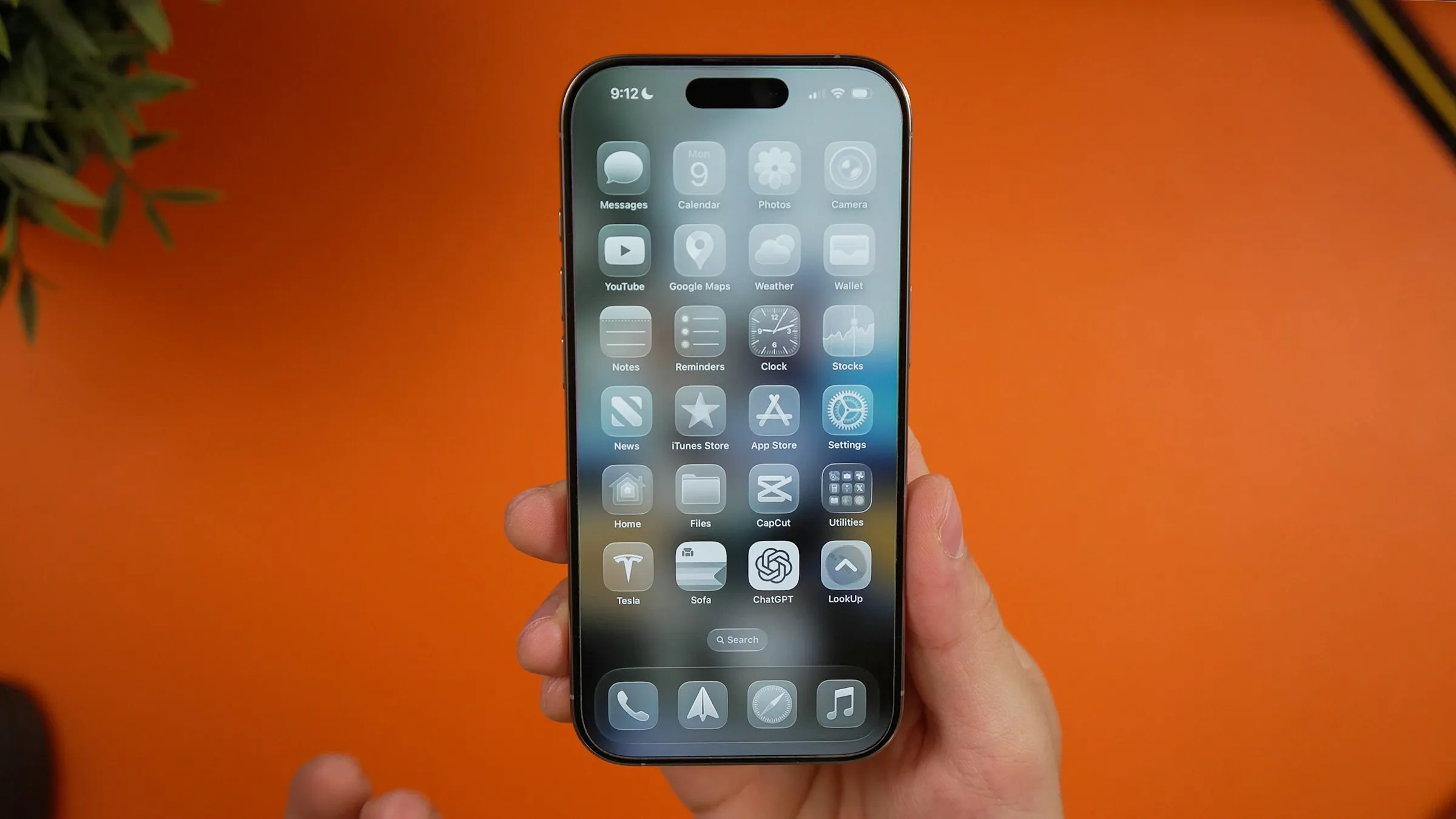
Replit is a slightly different story from the other AI app builders, and it’s worth getting straight before you spend money on it. Unlike Lovable, Replit can build mobile apps itself now — real ones, on the same framework I use. The question isn’t whether Replit can get you to the App Store. It’s how far, and what happens when you need to go further.
I’ll be upfront: I build with Expo and Claude Code, not with Replit, so this article leans on Replit’s own documentation and other people’s experience as much as mine. Where I’m telling you what Replit says, I’ve said so.
Can Replit build mobile apps?
Yes. In January 2026 Replit launched mobile apps: you choose “Mobile app” on the Replit home screen, describe it, and its Agent builds it. Under the hood it’s React Native with Expo, which compiles to real native code — not a website in a phone-shaped box. It’s the same framework I use and teach, which is about the best compliment I can pay it.
From there, Replit’s documented route to the App Store is:
- Preview it in an iOS simulator or Android emulator streamed into Replit (on paid plans), or on your phone through the Expo Go app.
- Get an Apple developer account — $99 a year, in your name.
- Publish to TestFlight from inside Replit, which takes a few clicks.
- Promote it to the App Store in App Store Connect, write your listing, and submit it for Apple’s review.
For a simple app, that genuinely works, and it’s a lot less setup than doing it yourself.
Where Replit’s mobile apps run out of road
The limits aren’t in the app Replit builds. They’re in the workflow around it, and they tend to arrive just as your app gets serious.
Your previews run in Expo Go, not your app. Expo Go is a sandbox app that can run your code without a full build of its own — handy on day one, but it only supports the native features that ship with Expo itself. Real apps soon need something outside that list: a particular payment SDK, a native sign-in library, a specialised camera or Bluetooth module. The normal answer is a development build of your actual app, and Replit’s documentation is plain about it: “EAS CLI and EAS Build are not supported on Replit.” EAS is Expo’s own build service — the thing that makes development builds easy.
And Expo Go itself is in trouble on the App Store. The version of Expo Go on Apple’s App Store is stuck at Expo SDK 54 — newer versions have been waiting on Apple’s approval since the spring, and Expo’s own docs say SDK 55 and later aren’t available there. So if you preview on your iPhone through Expo Go, your app is held on an older version of Expo while everyone else moves on. Expo themselves are steering people away from it: their SDK 55 release notes recommend moving to development builds, and say Expo Go isn’t recommended as a development environment for production apps.
Google Play isn’t supported. Replit’s docs say Google Play publishing isn’t supported yet. You can get an Android build file out of it and upload it to the Play Console yourself, but that’s the part of Android that needs the most hand-holding — new personal Google accounts also have to run a closed test with testers for two weeks before they’re allowed into production.
Native changes mean new store builds. Changing the app icon or a permission usually needs a fresh build through review, which is normal for mobile but slower than the instant previews make it feel.
The bill grows with the project. Replit’s Core plan is about $25 a month and includes $20 of credits, and after that Agent requests are billed by how much work they take. Replit has said itself that larger projects cost more per message, because there’s more for the Agent to read each time. Reviews are full of people surprised by overages, so set a budget cap on the usage page early.
Your backend lives in Replit. The database, uploaded files and Replit Auth sign-in are Replit services. That’s convenient right up until you want to leave, and then each one is its own job — more on that below.
What if you already built a web app on Replit?
Then there’s no button that turns it into a mobile app. You have two routes:
- Inside Replit, the Agent can build a separate mobile app in the same project that shares your web app’s backend. The screens are rebuilt in React Native, and your web app has to be published first so the phone has a live backend to talk to.
- Outside Replit, you take the code to GitHub and have an AI coding agent build an Expo app from it on your own computer. It’s exactly the route I describe for Lovable apps in how to turn your Lovable app into a real mobile app, and it works the same way here — with one extra job, because your backend is Replit’s rather than a standard Supabase project.
| Replit mobile apps | Your own computer: Claude Code + Expo | |
|---|---|---|
| Getting started | Fastest — nothing to install | An afternoon of setup |
| Previews | Simulator in the browser, or Expo Go on your phone | Your actual app on your phone (a development build) |
| Custom native features | Limited to what Expo Go supports | Anything — EAS Build makes development builds of your own app |
| iOS publishing | TestFlight from Replit in a few clicks | One command (npx testflight) |
| Google Play | Not supported — upload the file yourself | Supported by Expo’s own submission tools |
| Backend | Replit’s database, storage and auth | Whatever you choose — I use Supabase |
| Monthly cost | ~$25 plan + usage beyond its credits | AI agent from ~$20 a month; Expo’s free tier covers a small app |
Both routes pay the same store fees: Apple $99 a year, Google Play $25 once.
How to get your code out of Replit
The code is the easy part. Replit has Git built in: open the Git pane, connect it to GitHub, and push. Use a personal access token rather than your password, and keep it in Replit’s Secrets. If you’d rather not touch Git, you can also download the project as a zip from the menu at the top of the file tree.
What doesn’t come with the code: your secrets (API keys), your database, your uploaded files, your deployment settings, and Replit Auth. The .replit file that tells Replit how to run your app means nothing anywhere else, either.
Once the code’s on your computer, this prompt gets it running and tells you exactly what’s still tied to Replit:
This folder is an app I built on Replit and pushed to GitHub. I'm not a developer, so explain anything you need me to do in plain English.

1. Read the project and tell me in a few sentences what it is: the framework, whether there's a separate backend, and how it's started (check the .replit file and package.json).
2. List everything it expects from Replit that isn't in this folder: environment variables and secrets, the database connection, file storage, and Replit Auth. Tell me which ones I'll need to replace to run it here.
3. Install what it needs and get as much of it running locally as you can, then give me the address to open.
4. Don't change any code, don't commit anything, and never print secret values in full.

If anything fails, stop, show me the error, and tell me what you think it means before trying a fix.
Paste it into Claude Code (or Cursor) opened in the folder you cloned from GitHub.
Moving your backend off Replit
This is the real eject, and it’s worth planning before you start, because each piece moves differently:
- The database. Replit gives every app a development database and a production one, and only the production database can be reached from outside Replit. Take its connection string from the database’s settings and dump it with
pg_dump— it’s ordinary PostgreSQL, so it restores into a Supabase project cleanly. One catch: an app that was never published has no production database, so there’s nothing external to dump. - Uploaded files. Replit’s App Storage sits on Google Cloud Storage, and there’s no bulk download button — files come out one at a time, or through a small script while the app is still running.
- Secrets. Export the list from the Secrets pane. Keys for Replit-managed services need reissuing at the new home, not copying.
- Sign-in. Replit Auth is Replit’s own login service, and it doesn’t come with you. Your users will need a new way to sign in — I use Supabase Auth — so plan how you’ll tell them before you switch.
Get the order wrong and you can lose data or lock people out. This prompt reads your project and writes the plan before you touch anything:
I want to move this app off Replit's database, storage and sign-in onto a Supabase project I own, and I need to know what that involves before I start. Don't change anything — just read the project and report.

1. List every database table the app uses, and how it connects to the database (which environment variable, which library).
2. List everywhere the app reads or writes uploaded files, and what kind of files they are.
3. List every secret and environment variable the app expects, and say which ones belong to Replit-managed services and will need replacing.
4. Tell me how users sign in today (Replit Auth, Clerk, something else) and what changes for them if I move to Supabase Auth.
5. Give me a checklist for the move, in order, and flag every step where I could lose data or lock users out.

Plain English, please — I'm not a developer.
Read-only — it reports, it doesn't change anything. Run it in the folder with your code.
So should you build your mobile app on Replit?
Straight answer, by situation:
- It’s a simple app and you want it on an iPhone quickly: Replit’s mobile apps are a fair way to do it. Set a budget cap, and know that Android publishing will be a manual job.
- You need a native feature Expo Go doesn’t have, or Google Play, or you want to own your backend: that’s the moment to push the code to GitHub and carry on with Claude Code and Expo on your own computer.
- You built a web app on Replit and you want it on phones: either let the Agent build the mobile app in the same project, or take the code out now while there’s less of it — the move only gets bigger.
Questions people ask
Can Replit make real native mobile apps?
Yes. Replit's mobile apps are built with React Native and Expo, which compile to real native code rather than a website in a wrapper. That's the same framework many professional mobile developers use. The limits are in the workflow around it — previews, native modules and Android publishing — not in the kind of app it builds.
What's wrong with Expo Go?
Expo Go is a sandbox app for previewing Expo projects, and it only supports the native features built into Expo. As of 2026 the App Store version is also stuck at Expo SDK 54 while newer versions wait on Apple's approval, so apps previewed through it are held on an older Expo. Expo itself recommends development builds — a build of your actual app — for anything heading to production.
Can Replit publish my app to Google Play?
Not directly, as of late 2026. Replit's documentation says Google Play publishing isn't supported yet; Android Internal Testing is available as a pre-review option. To publish on Google Play you take the Android build file and upload it in the Play Console yourself.
Can I turn my existing Replit web app into a mobile app?
Not with a converter. Replit's Agent can build a separate mobile app in the same project that shares your web app's backend, but the screens are rebuilt in React Native. Alternatively, push the code to GitHub and have an AI coding agent build an Expo app from it on your own computer.
Do I need a Mac to build a mobile app on Replit?
No. Replit runs in the browser and streams an iOS simulator into its preview panel on paid plans. You do need Apple's $99-a-year developer account to publish, and you'll want a real phone to test camera, location and notifications.
How much does Replit cost for building an app?
Replit Core is about $25 a month billed monthly, including $20 of credits. Beyond that, Agent requests are billed by how much work they take, and Replit has said larger projects cost more per message as the context grows. The store fees — Apple's $99 a year and Google's $25 once — are on top, whatever you build with.
Can I move my Replit app to Supabase?
Yes, but it's a migration, not an export button. Replit's production database is PostgreSQL, so it can be dumped and restored into a Supabase project. Uploaded files, secrets and Replit Auth sign-in don't come with the code, so plan those separately, and remember a Replit app that was never published has no production database to dump.
Where I come in
Want it in the stores without the guesswork?
There are two ways I work with people, and the only real question between them is who's driving.