We had the pleasure of working with John on magicwork. His dedication, passion for results, and ability to iterate swiftly make him an exceptional asset to any team fortunate enough to work with him.

Khrystyna Svarychevska 

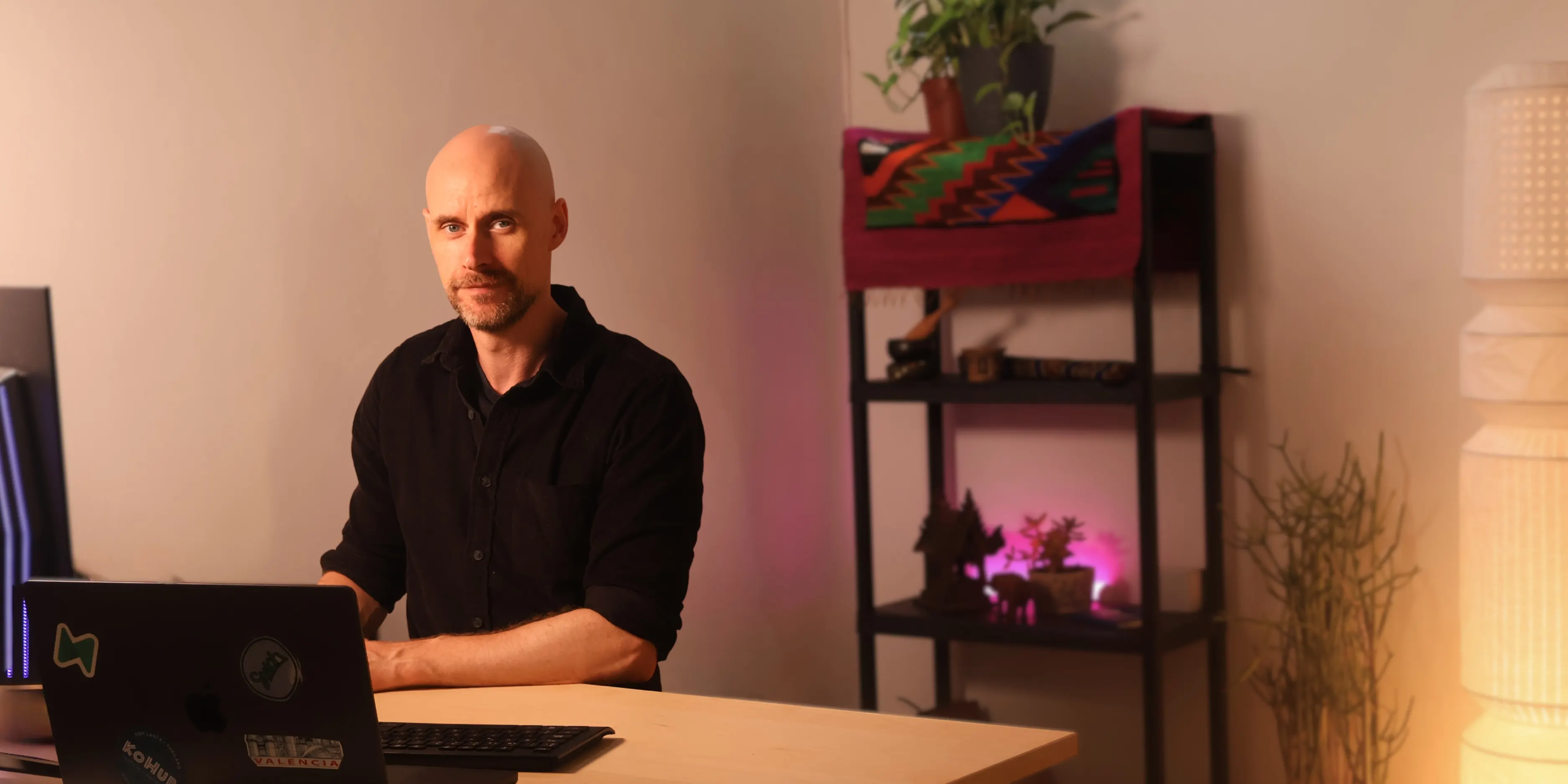
Hi, I’m John. I help you take your mobile app out of the idea stage and into the App Stores.
The whole studio, free, and the code and every account stay yours.

AI tools feel powerful, but overwhelming — you don't know where to start
You have app ideas, but lack the structure and architecture knowledge to build them
You need a guide, not just another tutorial that leaves you stuck
You're not behind — you just need the right path forward.
I'm John. You might know me from my YouTube channel, where I talk about building apps with AI.
Over a decade of software engineering, pointed at one problem: getting half-built apps finished and into the stores. I've done it enough times that the parts which cost you three days of reading cost me an hour of knowing.
The studio is everything I've learned about shipping apps, turned into a free tool. When you hit the parts a tool can't solve, I work alongside you in the studio until it's live.

The tools can get you quite far; these are the people who wanted a person for the rest.
We had the pleasure of working with John on magicwork. His dedication, passion for results, and ability to iterate swiftly make him an exceptional asset to any team fortunate enough to work with him.
I got more done in 2 days using your recommended stack than the past 2 weeks playing in FlutterFlow. Thank you!
Your approach is different. The way you teach is calm, objective, and incredibly valuable, while never feeling dry or boring. You bring clarity and calm into what often feels like complete chaos around AI.
This is the classic case of “it’s not the destination, it’s the journey”. Following the Kealy Studio roadmap not only taught me how to properly setup the foundational framework to build my web and mobile app in a step-by-step learning method, it got me published and established to build future developments. In one word, this course puts you in CONTROL.

Thanks to Kealy Studio I launched a successful app that is about to reach thousands of users through a corporate partnership. Without John’s courses, I wouldn’t have pulled it off! I can’t recommend his program enough. I don’t even know if FlutterFlow still exists, but if it does, run! And use this instead.

It’s tough, but it’s completely the real deal. There are plenty of hard moments, followed by so many rewarding ones. Thank you so much, you’ve built a hell of a thing here.
John’s methodology has brought real precision, structure, and technical confidence to Thoughtbait. As we build business-critical apps, Kealy Studio’s approach has helped us create a clearer, more scalable development process.
I was consistently impressed by John’s deep knowledge of security, app architecture, and development best practices. I learned a tremendous amount from him, and his insights often come to mind during our ongoing development.


I’ve worked with and alongside many developers, but John’s spirit of collaboration and eagerness to deliver high-quality stands high above anyone in my experience.

By following the lessons I went from an idea, to actually having a working mobile app with paying users in both the App Store and Play Store.
My experience with John’s services was truly educational. His advice, especially concerning security vulnerabilities and potential issues I might encounter, truly guided me. Thank you, John!


Every week, live
Once a week I open a call on Google Meet, and anyone with a studio account can come along, whether you're stuck on a rejection email, wondering if your prototype can make the jump to a phone, or just curious to hear what everyone else is building.
There's no agenda and no pitch, just your questions and my honest answers. You'll find when it is and how to join once you're inside.
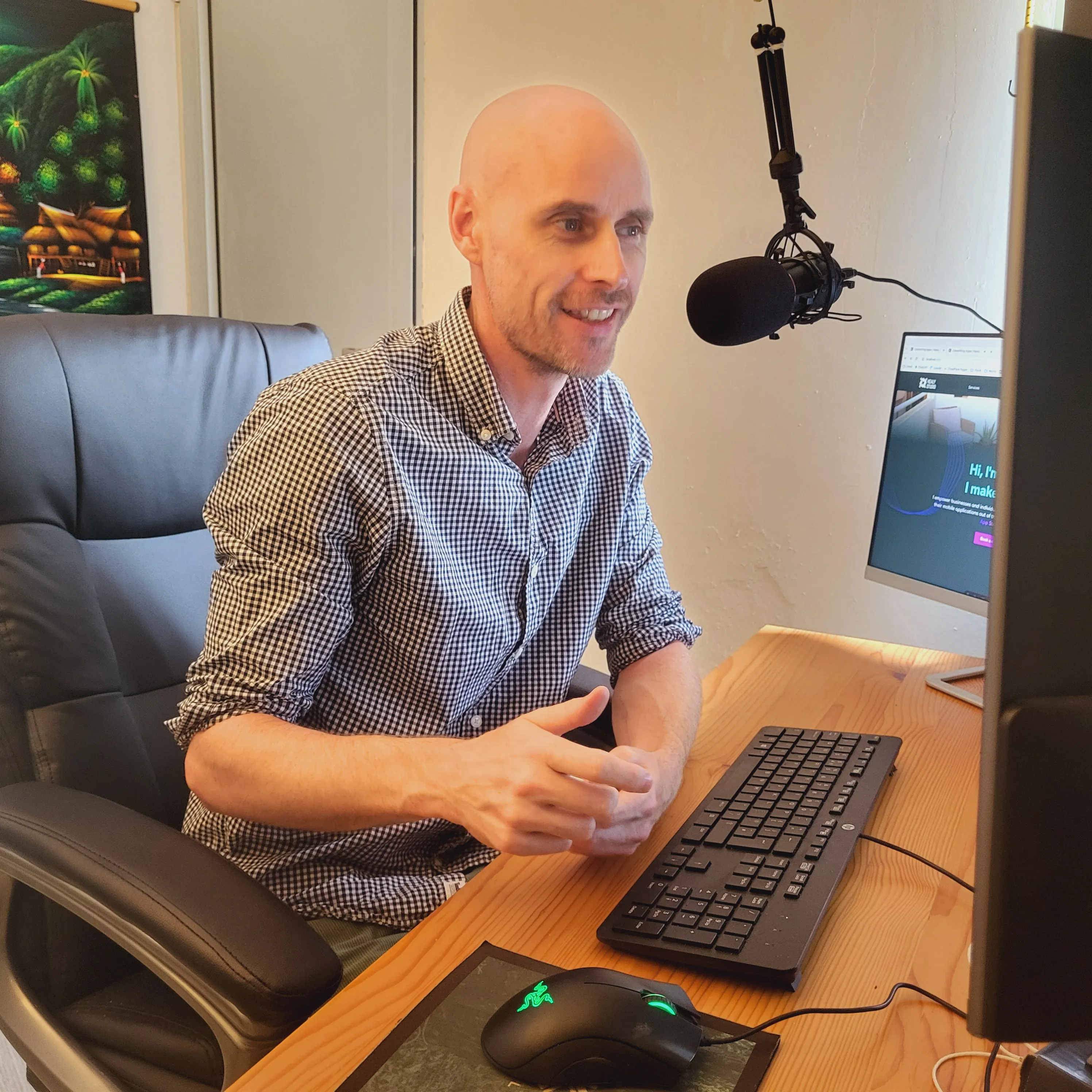 On a call with you
An hour with me
The studio will take you a long way on its own, but sooner or later there's a build that won't build, a rejection email from Apple, or a decision you don't want to make alone, and that's when an hour with someone who has done it before is worth more than a week of reading.
Hours are booked from inside the studio, so make the free account first.
Studio Builds
You bring the idea. I build the app, put it in both stores, and hand it over completely: the code, the accounts and the keys, all in your name.
Starts with a short brief and a call. $900 is the smallest app that ships; see how the price works.
Before you start
The quickest answer to most of these is to make the free account and look around. The rest is below.
It really is. The studio, the free course and the weekly live Q&A cost nothing, and there's no card to enter and no trial that runs out.
There's no catch, only a business: app development is hard, and when you want a person beside you — for an hour, or for the whole build — that person is me, and that part is paid. You never have to buy it to finish your app.
A bit, and it's better you hear it now than in week six. The stores charge for the privilege of being in them: Apple is $99 a year, Google Play is $25 once, ever. You'll also want an AI coding assistant — I use Claude Code, which is around $20 a month. Everything else runs on free tiers while your app is small.
Those bills are in your name, not mine, and that's the point: the accounts are yours, the app is yours, and none of it depends on me.
A Mac or a Windows computer, VS Code, and an idea. The studio sets up the rest of the toolchain on your machine and walks you through connecting each account.
A phone helps too — the app you're building runs on it from early on.
No, but you do need to be hands-on. Most people building in the studio aren't developers — they're founders who got surprisingly far with AI and hit a wall.
For a Studio Build, not at all. You need to know what the app is for and who it's for. The rest is my job.
Because an agent is excellent at the next step and terrible at the right step. It will happily build you the thing you asked for, forever, without ever telling you that the thing is three features too big or that the architecture won't survive authentication.
The studio isn't replacing it. I use Claude Code all day. The studio, and I when you want me, are the part that decides what to point it at.
It usually is, and it usually matters less than people fear. Sometimes you keep it and put structure around it. Sometimes the honest answer is that a rebuild on a proper foundation is faster than untangling it — bring it to the live Q&A or an hour with me and I'll tell you which, with reasons.
A builder export is the common case now. The prototype isn't wasted either way: it's the spec. Get it standing on its own two feet, then get it onto a phone.
A live Q&A on Google Meet, once a week, for anyone with a studio account. You can ask me whatever you want — about your app, the stores, the code, the business — or just listen to everyone else's questions.
When it is and how to join are inside the studio. It's free.
Whatever's in your way. You share your screen and show me what you've got — a half-built app, a store rejection, a build that won't build, or just a plan — and we work on it together for the hour.
You book it from inside the studio, where you'll find the price too, so the free account comes first.
Scope. $900 is the smallest app the stores will accept: sign-in, a database, both stores and the handover, plus one core feature. Each feature after that is typically $150–$350, and big integrations are quoted separately — there's a worked example on the builds page. You get one fixed number after the call, and it doesn't move unless the spec does.
Payment is normally half on accepting the quote and half on delivery, both by card. The deposit holds your place in the schedule.
No. The studio is free, so there's nothing to cancel, and an hour with me is just an hour.
A Studio Build is a fixed price for a fixed scope, and when it's handed over it's handed over — the code, the accounts, the keys. Ongoing maintenance isn't in the price, and plenty of owners take it straight from there.
Either way, nothing you've got depends on me staying in the picture. Every account is in your name and the code is a standard Expo project any developer can pick up.
Shipping is the job. If I can't finish for a reason that has nothing to do with you, your deposit comes back in full and everything built so far is yours.
If you're not a developer, you've got about five options, and I've watched people take all of them.
Kealy Studio is the sixth option. Real code, real infrastructure, every account in your name, an AI agent doing the typing, and the decisions that take a year to learn already made — free to build with, and me in person when you want a hand. You learn enough to maintain the app yourself, or even build the next one. What you own at the end is a standard app, not a subscription to somebody's platform.
If you've built something with one of them, you know the arc. The first afternoon felt like a superpower. Then one prompt broke something three prompts back, the credits went faster than the progress, and somewhere you noticed it was a website in a phone-shaped box — nowhere near the App Store.
There's only one thing these platforms really sell: they hide the code and make the architecture decisions for you. In exchange you live inside their ecosystem and pay them forever, because ejecting is too daunting to try.
But that prototype wasn't wasted. It's the best spec you'll ever write. Bring it into the studio, get it standing on its own two feet first — then get it onto a phone. And if you skipped the builders entirely? Good. You've saved yourself the eject.
The long version, with the steps: Lovable to a mobile app and Replit to a mobile app.
That's the whole setup: a folder that belongs to you, with something like Claude Code — which I use all day — working inside it. Nothing hidden, nothing off-limits.
Which is where people stall. Every decision is suddenly yours — sign-in, where the data lives, how it gets onto a phone, what's in version 1 — and each one is a week of reading.
That's what Kealy Studio is: those decisions, already made. Expo and Supabase, every account in your name, the awkward parts solved once. If Kealy Studio disappeared tomorrow, your app wouldn't notice: every account is yours and the code is a standard Expo project any developer could pick up.
Not your question? Ask me on the weekly call — it's free.

The studio, the free course and the weekly live Q&A, with no card asked for. And me, in person, whenever you want a hand.
Rather not build it yourself? Have me build it →